
Category
Productivity
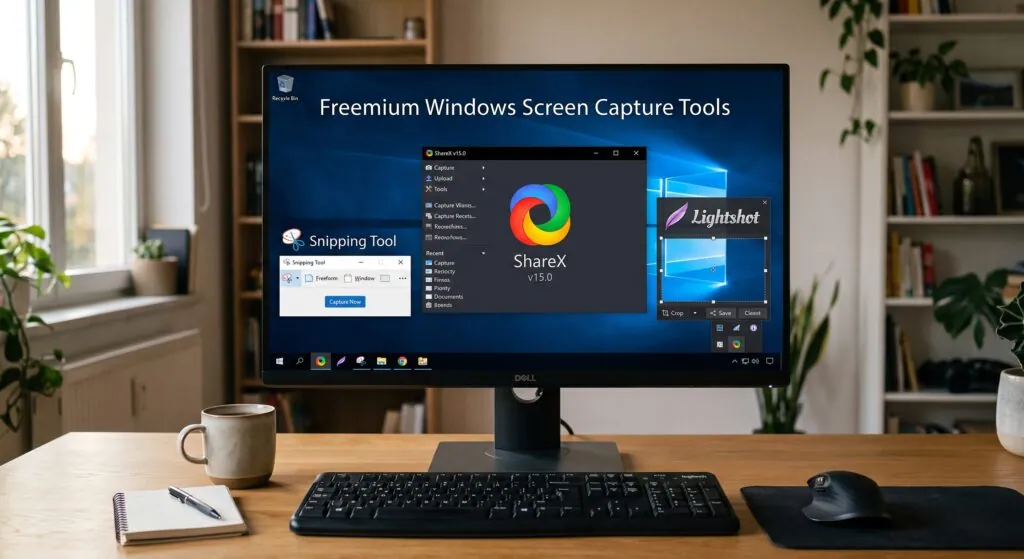 ProductivityWhat Makes a Windows Screen Capture Tool Truly Free in 2026?A free Windows screen capture tool usually follows one of three models: built-in, open-source, or freemium. The difference affects not only capture features, but…
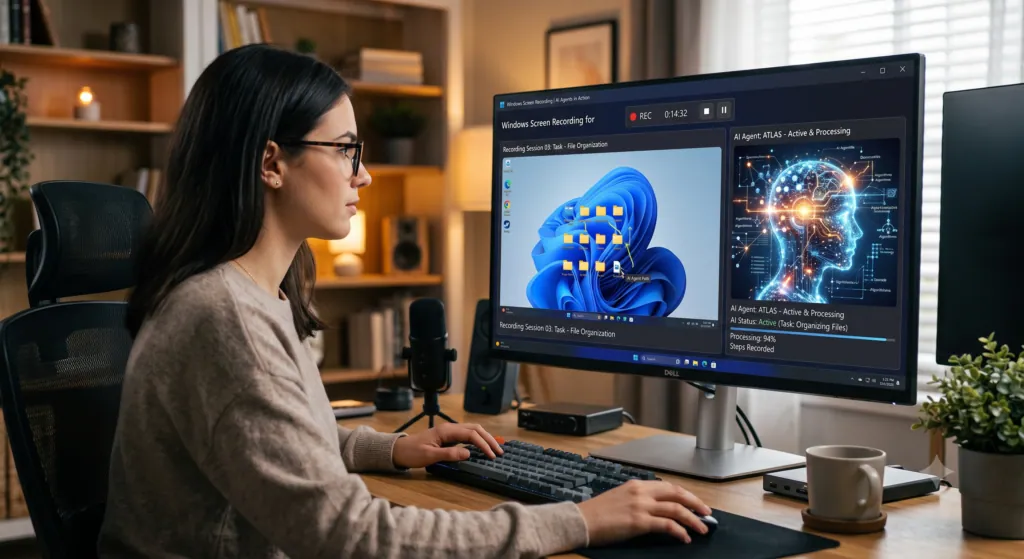 ProductivityWindows Screen Recording for AI Agents: How to Capture Desktop Workflows for Reliable AutomationWindows screen recording for AI agents captures how a desktop task is performed inside real applications. AI agents are software systems that can analyze…
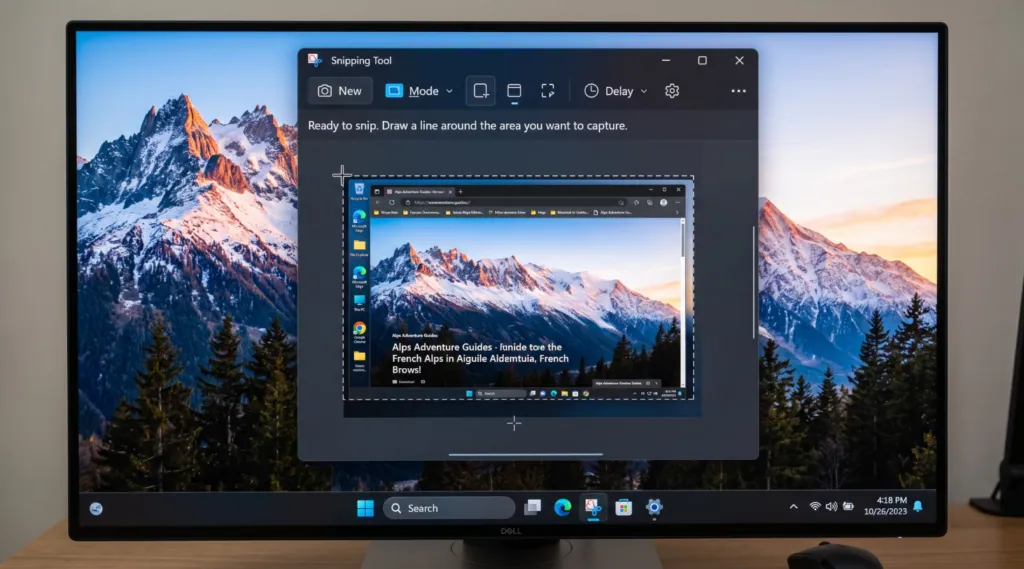 ProductivityWindows Screenshot Capture Tool for Remote Virtual Assistants: How to Create SOPs for Client WorkflowsRemote virtual assistants handle dozens of recurring client tasks every day, making consistent documentation essential for quality and efficiency. A Windows screen capture tool…
 ProductivityHow Startup Teams Use Windows Screenshot Tool to Document MVPs FasterFor startup teams, MVP documentation is often difficult because the product changes faster than the documentation itself. A simple Windows Screenshot Tool can help…
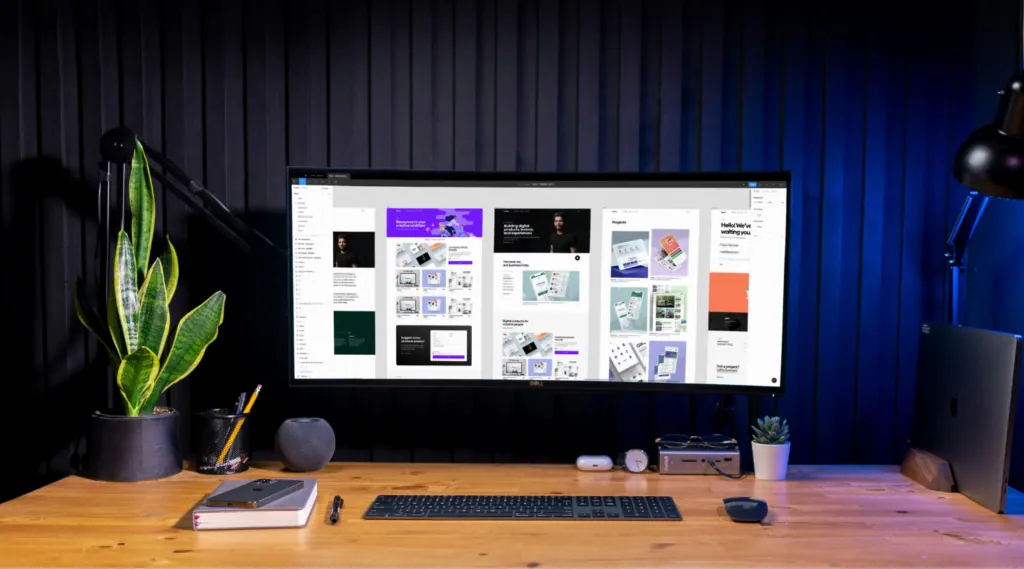 ProductivityWindows Screenshot Tool for UX Designers: How to Review UI and Share Design FeedbackA Windows screenshot tool fits into a UX designer’s workflow when visual feedback needs to be more precise than a written comment. Designers often…
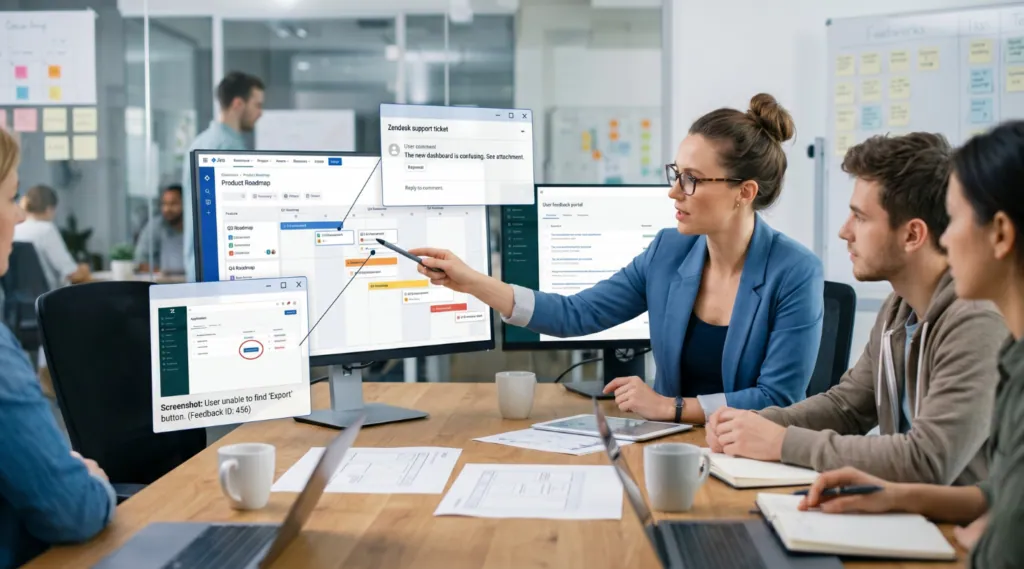 ProductivityWindows Screen Capture Tool for Product Managers: Feature Feedback, Roadmaps, and Better User FlowsProduct managers use a Windows screen capture tool not only to report bugs, but also to explain feature feedback, clarify product decisions, and document…
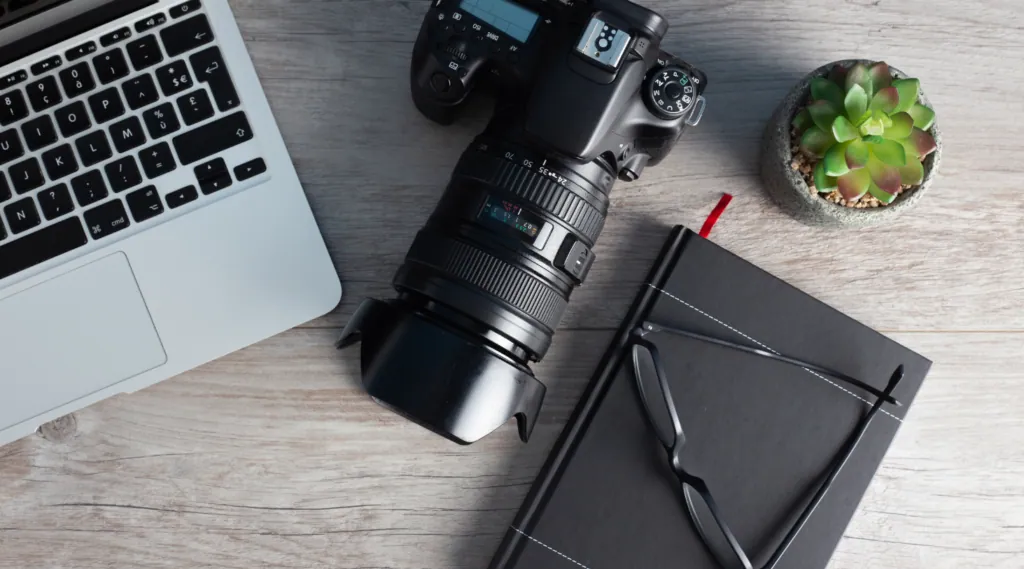 ProductivityHow to Take a Screenshot on Windows for Tutorials, Reels, and YouTube ContentIn tutorial-based content, structure is what separates clear guidance from confusing explanations. Whether creators are preparing short-form videos like Reels or longer YouTube content,…
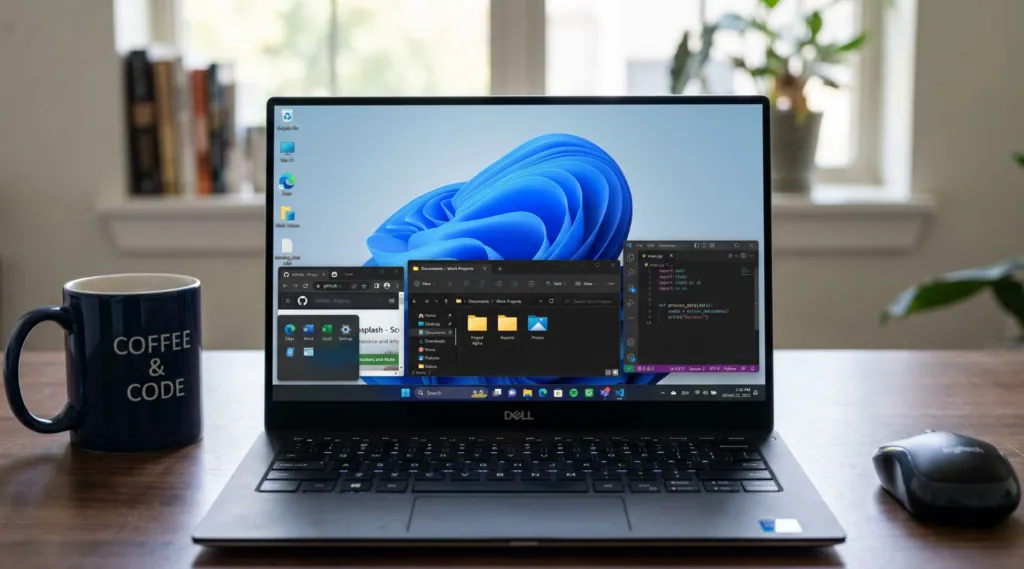 ProductivityHow QA Teams Use Windows Screenshot for better UAT Feedback and Release Sign-OffUser acceptance testing is not only about finding defects. It is also the stage where teams confirm that a feature works as expected, matches…
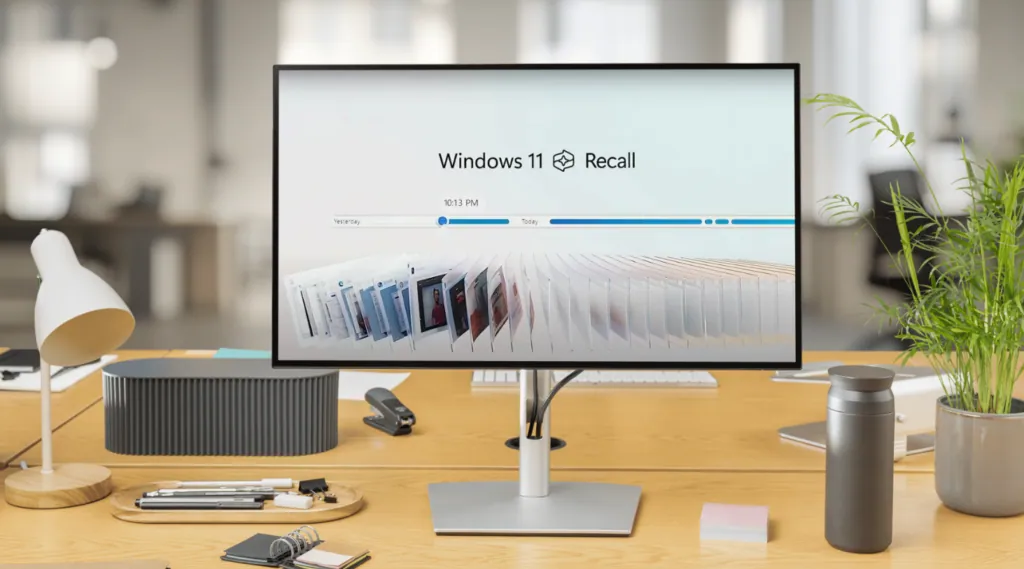 ProductivityWindows Recall Privacy: How to Take Private Screenshots on WindowsIn 2026, Windows Recall privacy is not just a side topic in the Windows ecosystem. It is one of the main reasons people are…
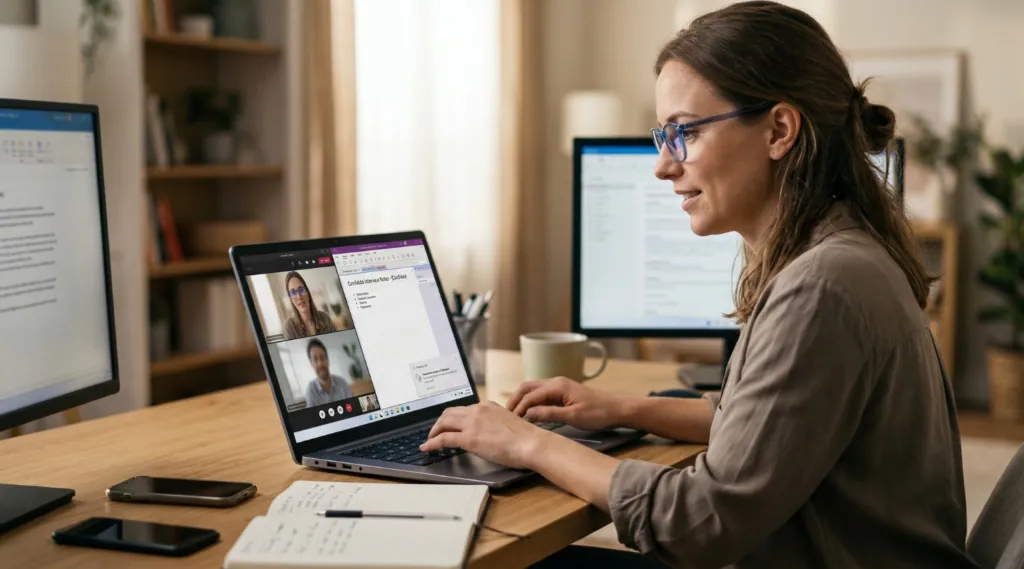 ProductivityHow to Take a Screenshot on Windows for Interview Notes and Candidate DocumentationHiring rarely happens in one clean, linear flow. Recruiters and HR teams move between resumes, email threads, interview scheduling tools, ATS records, portfolio links,…
 ProductivityProof of Payment Screenshots on Windows: A Finance Team GuideIn finance and accounting, accuracy is not enough; proof matters. When teams deal with payments, invoices, refunds, or reconciliation issues, written explanations alone are…
 ProductivityHow Teachers Capture Full Page Screenshot of Web Pages for Lesson MaterialsA full page screenshot is most useful when the entire context matters, not just a single paragraph or a button. In teaching, that usually…
Ready to capture?
Download PixelTaken free and snap your first annotated screenshot in seconds.
Free forever · .exe · 83 MB · Windows 10 and 11 · 64-bitFree forever · App Store · Apple silicon and IntelFree forever · .deb · 112 MB · Ubuntu