PixelTaken
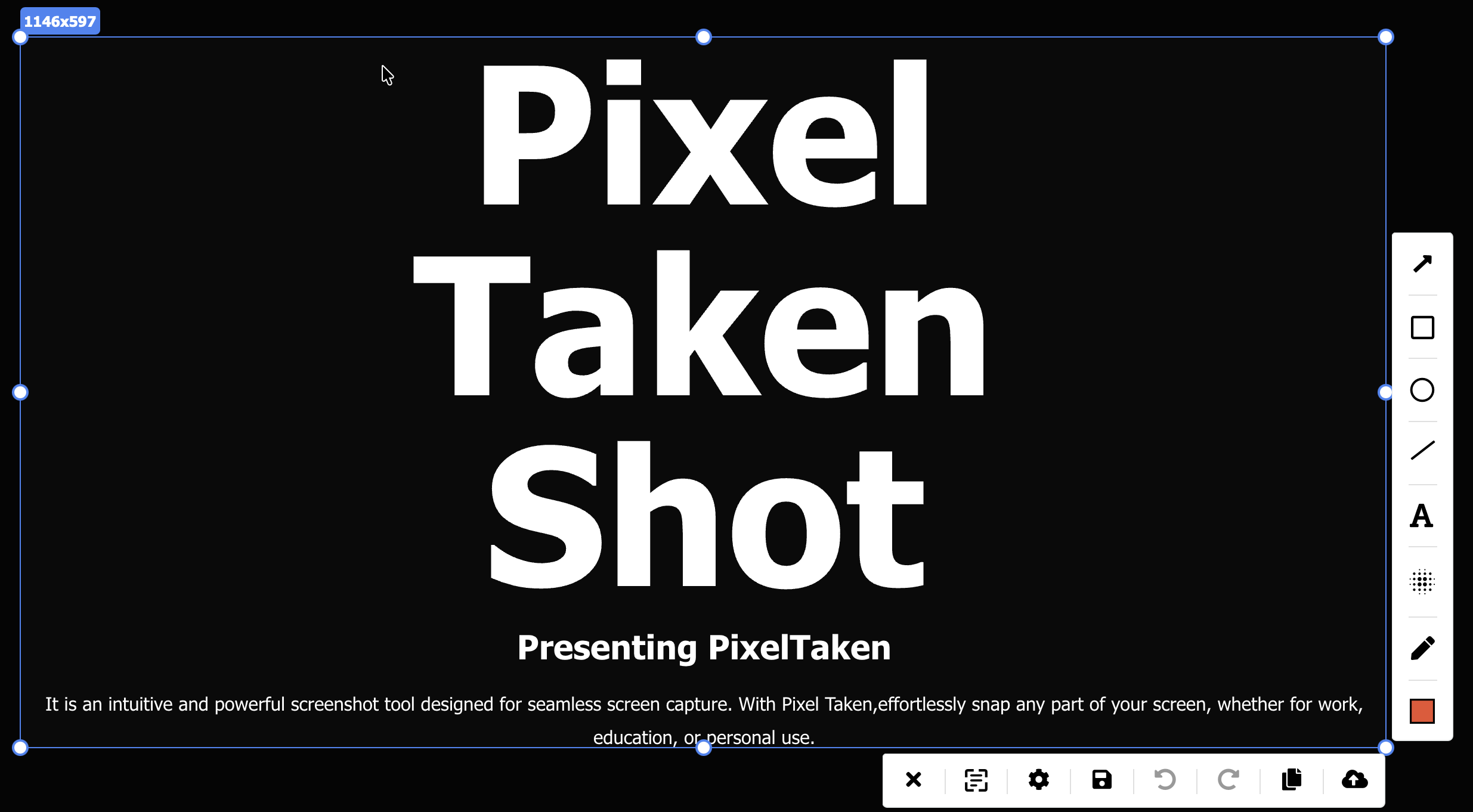
PixelTaken is the fast, intuitive screenshot tool for snapping any part of your screen — then annotating it and sharing a secure link, instantly.
✓ Installs in one clickNo account neededNo bundled extras
Automatic updates, handled by your OS
Capture, record, annotate, track and share — eight modules, one app.
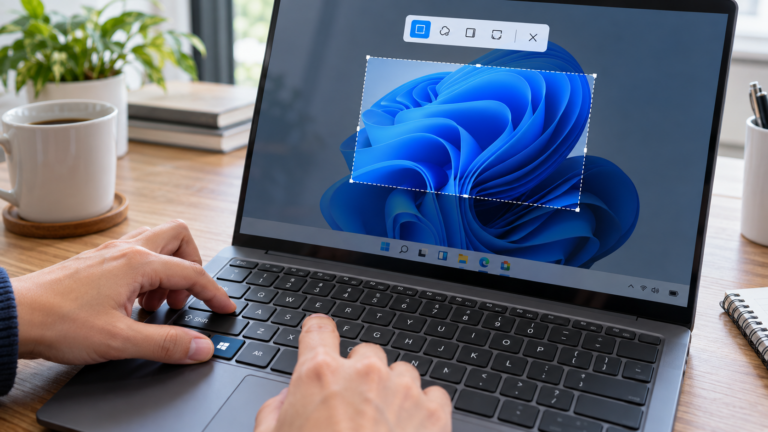
Pick an area and your shot is ready to mark up. One hotkey, no waiting.
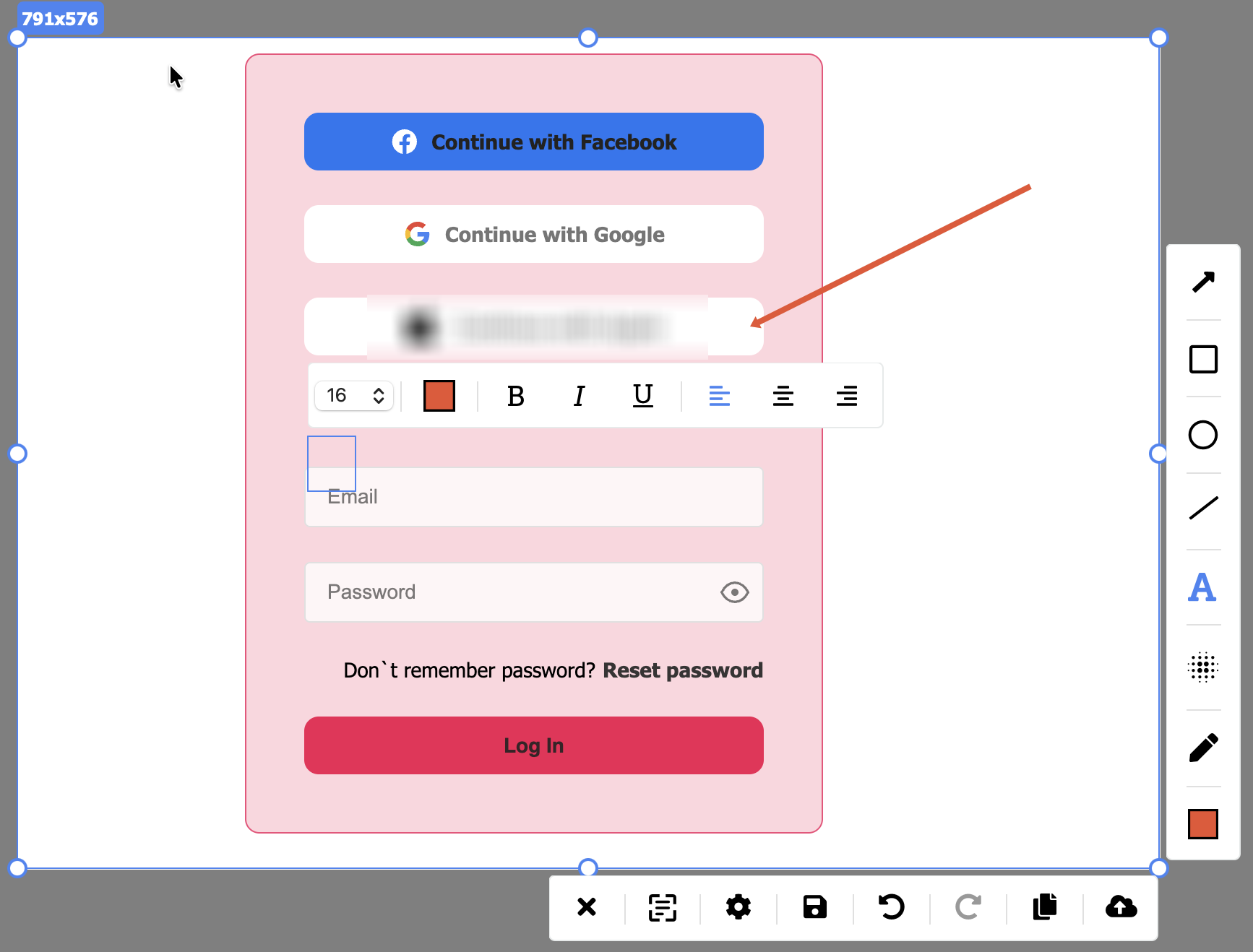
Arrows, boxes, freehand strokes and text in any color — build your own markup style.
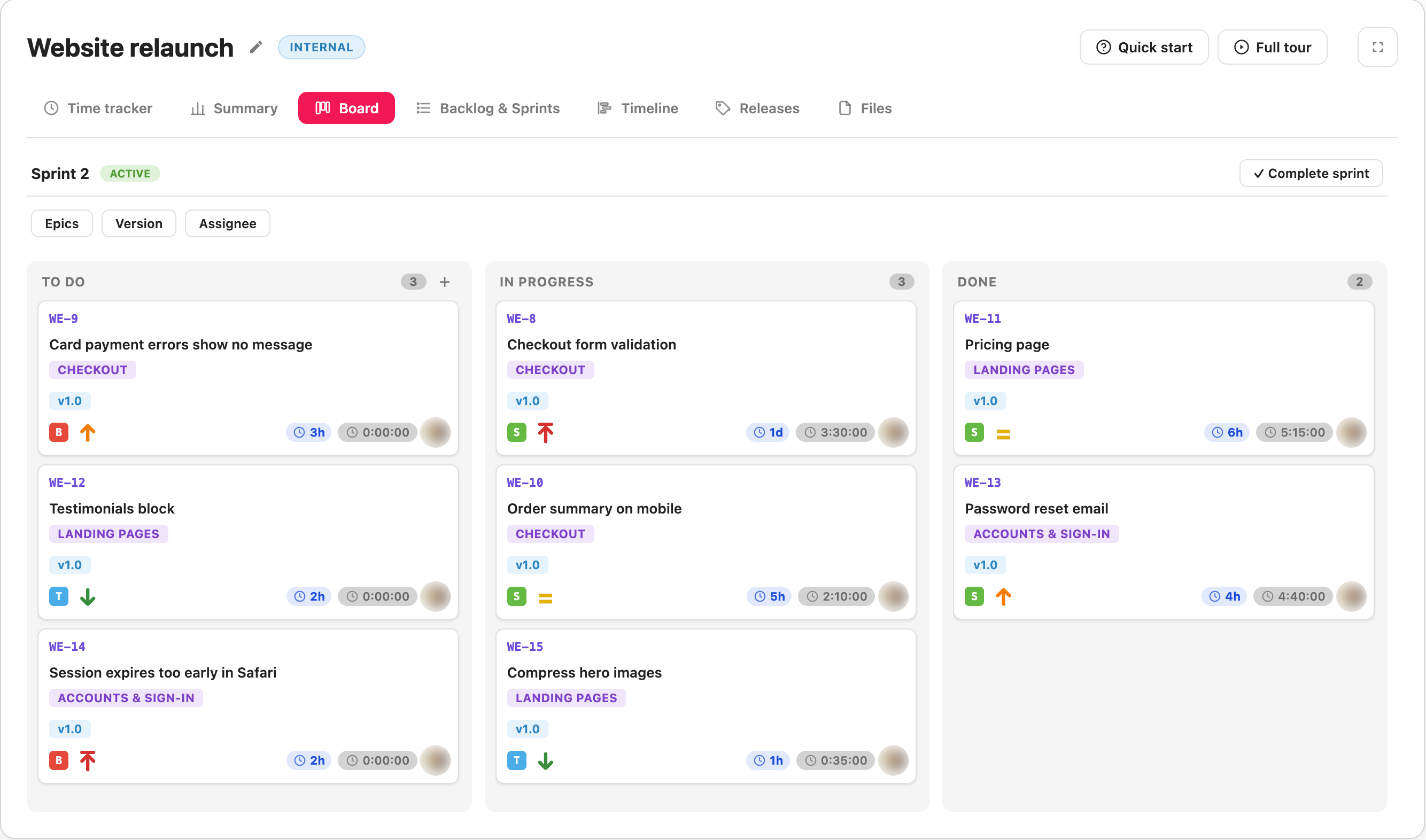
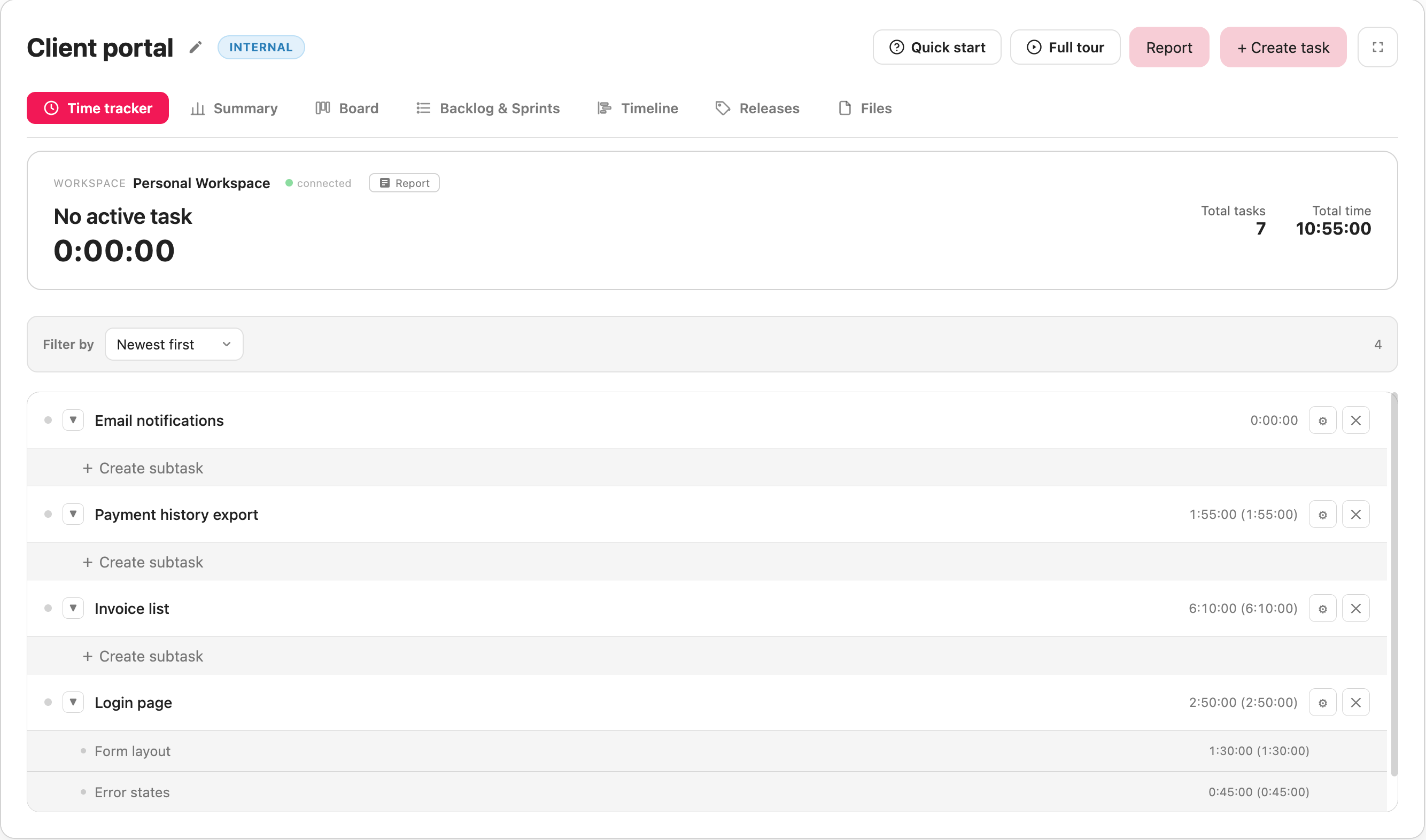
Plan sprints on a board and a timeline, and track the time on every task, right inside PixelTaken.
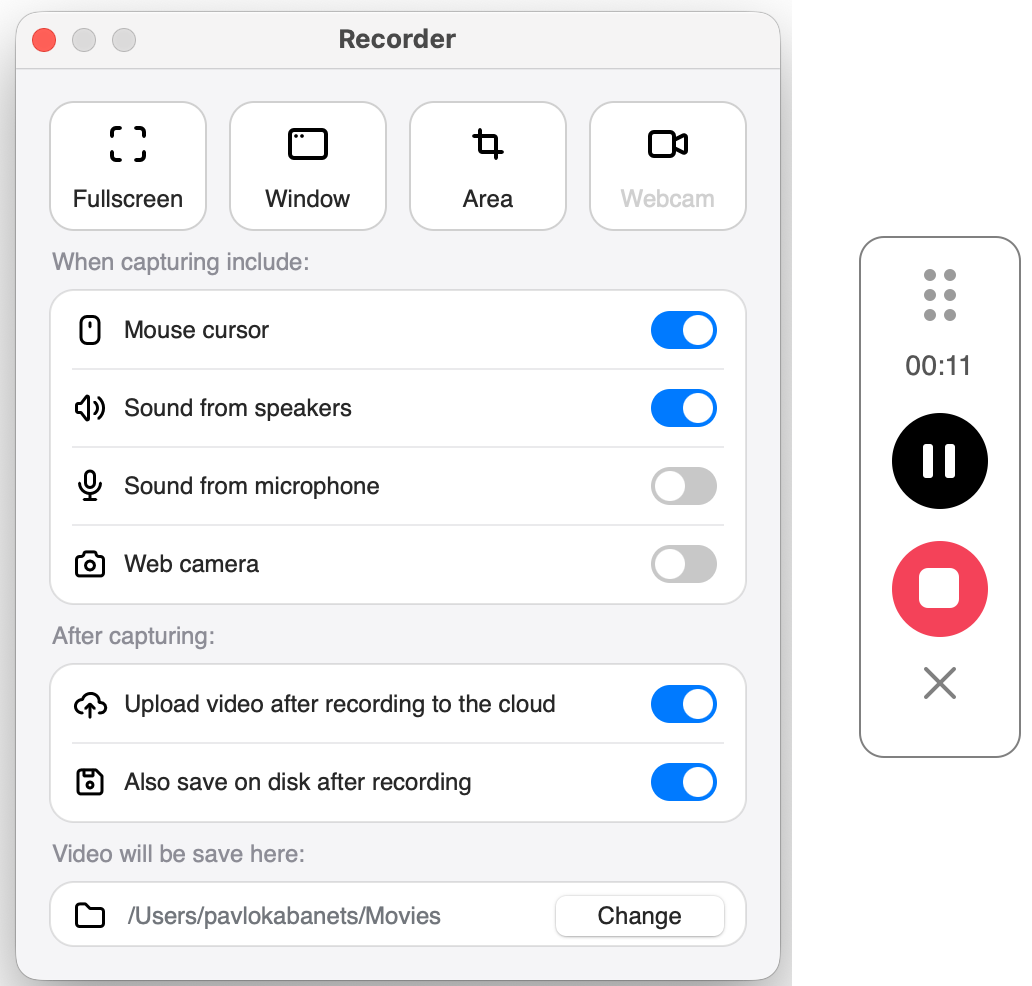
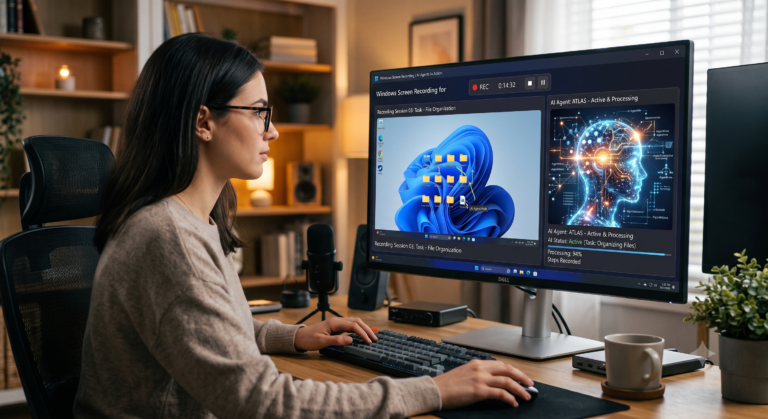
When a still frame is not enough — record any area, with system sound, mic and webcam.
Everything you upload lands in workspaces and folders — open from any browser.
Upload in one click and share a secure link — so only the right people open it.
Hide the sensitive parts before anything leaves your machine — blur, crop, done.
PixelTaken reads the text inside your shot — copy one line, or copy all.
From the moment you capture to the moment you share — PixelTaken keeps every step fast and out of your way.
Draw arrows, boxes, freehand strokes and text in any color. Build your own markup style and bring real value to every capture.
Share your screens in one click. Every link is generated with a super-secure layer, so only the right people can open it.
Track the time you spend on tasks — right from PixelTaken. Pick a project, hit start, and your hours are logged and synced automatically.
Sharing a screen often means sharing more than you meant to. PixelTaken gives you control at every step.
Every cloud link is generated with a security layer, so only the people you send it to can open it.
Redact names, emails and anything private in the editor — before the file is ever uploaded.
Your captures sit in your own workspace and folders. Nothing is public unless you share it.
Save recordings straight to your disk alongside the cloud — in whichever folder you choose.
Ninety seconds through all of PixelTaken, from the first capture to the project report.
Yes — download PixelTaken for free on Windows, macOS and Ubuntu. Capture, annotate and share screenshots with no sign-up required.
PixelTaken runs on Windows, macOS and Ubuntu, and is available from the Microsoft Store, the App Store and the Snap Store.
Absolutely. Draw, highlight, add arrows, shapes and text, and mark up the key points right inside the app the moment you capture.
Upload any capture to the cloud in one click and share a link instantly. Every link is generated with an added security layer.
Seconds. PixelTaken is built to be simple and intuitive — pick an area and the shot is ready to mark up right away.
Subscribe to our newsletter for new features, tips and release notes.
Email address
Download PixelTaken free and snap your first annotated screenshot in seconds.