
Category
Productivity
 Productivity
Windows Screenshot Standards for Teams in 2026: How to Evaluate Work Across Windows and Linux
In 2026, screenshots are no longer “just images.” For distributed teams, a Windows screenshot or Linux screen capture often becomes proof of work: QA…
 Productivity
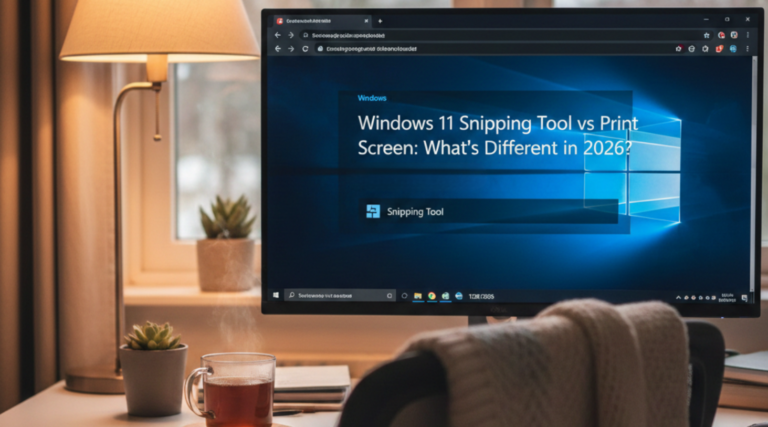
Windows 11 Snipping Tool vs Print Screen: What has Different in 2026?
A few years ago, the difference was simple: Print Screen was a fast “grab a screenshot” button, while Snipping Tool was used when you…
 Productivity
Support Ticket Screenshot Checklist: What Is Better to Capture For Reproducing the Issue
A single screenshot can show what looks wrong, but it rarely shows why it’s happening. Support teams don’t fix pixels. They fix reproducible conditions:…
 Productivity
Linux Snipping Tool for Accessible Documentation: How to Create Clear, Inclusive Ubuntu & Windows Screenshots
When teams document workflows using a Linux snipping tool or Windows screenshot tools, accessibility is rarely a primary consideration. Yet developers, testers, designers, and…
 Productivity
Windows Screenshot Tool in 2026: What’s New and Innovative
In 2025, the Windows screenshot tool has evolved beyond simple “Print Screen” shortcuts. Microsoft has been steadily improving the Snipping Tool in Windows 10…
 Productivity
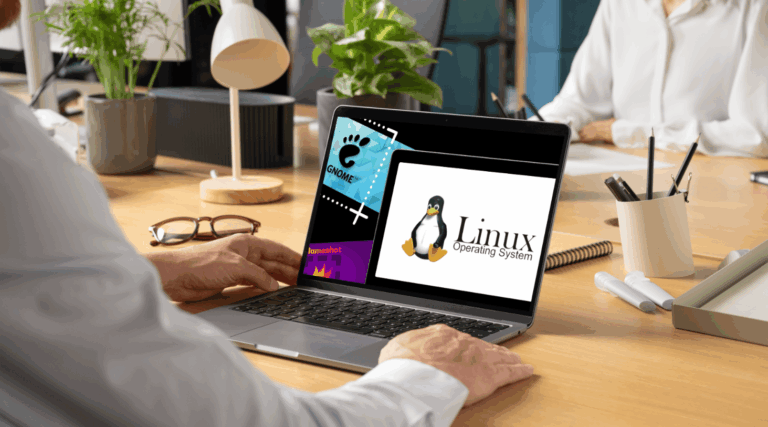
Linux Snipping Tool vs PixelTaken: Which One Captures Better in Ubuntu?
Taking a screenshot in Ubuntu may look like a simple action, but behind that one click lies two very different approaches to how Linux…
 Productivity
Why do Windows Screenshot Differ Across Monitors?
Modern workspaces often include two, three, or even more displays: one for design, one for browsing, and another for communication. But if you’ve ever…
 Productivity
Display Scaling vs Fractional Scaling: This is What Affects Quality Of Windows Screenshot one monitor
Modern Windows devices often come with 4K or even higher-resolution displays. While this makes everyday work look sharper, it also introduces scaling challenges that…
 Productivity
Windows API Tricks: Why PixelTaken Great Handles Single-Monitor Screenshots
For many Windows users, capturing a screenshot sounds simple: just press the Print Screen key. But in multi-monitor setups, things get complicated. Instead of…
 Productivity
Focus on One Screen: How to Screenshot a Single Monitor in Windows using PixelTaken
Introduction Working with multiple monitors is a productivity booster, but it also creates one common frustration: taking screenshots and recordings. By default, the Print…
 Productivity
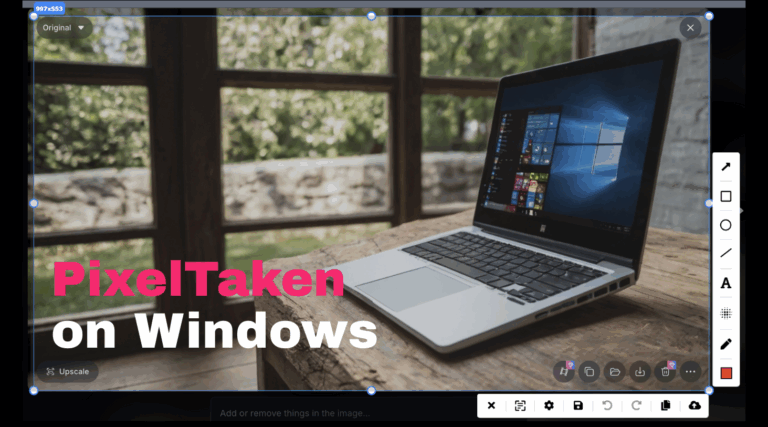
PixelTaken on Windows: Why Pros Prefer It Over Built-in Tools
In 2025, taking a screenshot on a Windows machine isn't just a quick utility — it’s a daily necessity for developers, designers, support agents,…
 Productivity
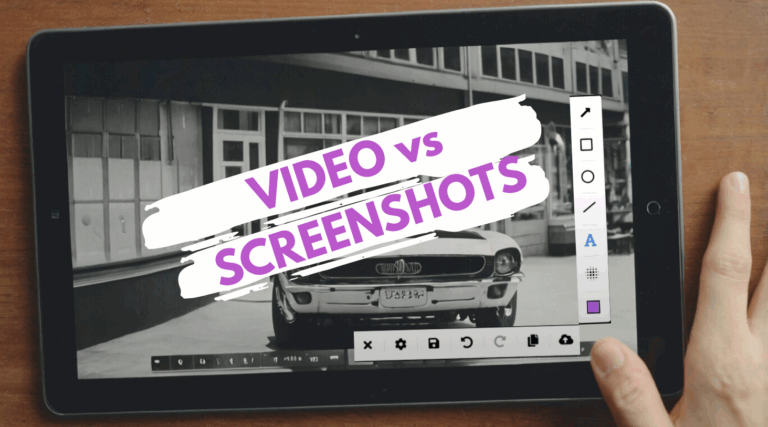
Should You Use Video or Screenshots? A Simple Decision Guide (For Product Presentations & Promotion)
Today, visual communication is no longer just an accessory to product marketing — it’s a central pillar of how users understand, trust, and connect…