Category
Use cases
 Use cases
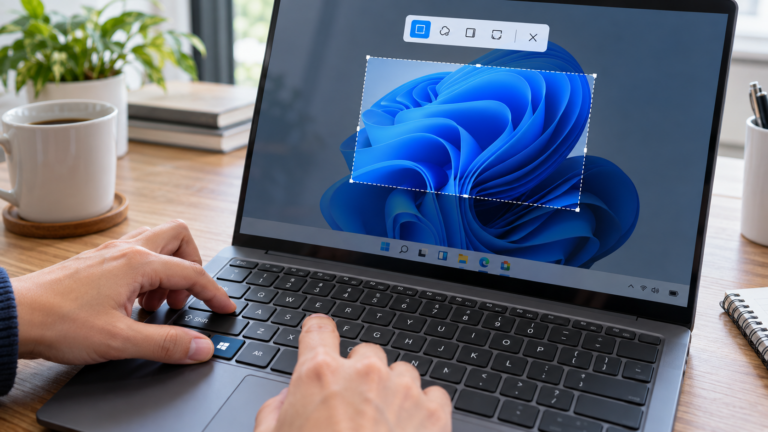
How to Fix Snipping Tool in Windows 11: 10 Solutions for Win + Shift + S
If the Snipping Tool is not working in Windows 11 or Win + Shift + S does not open the capture overlay, the problem…
 Productivity
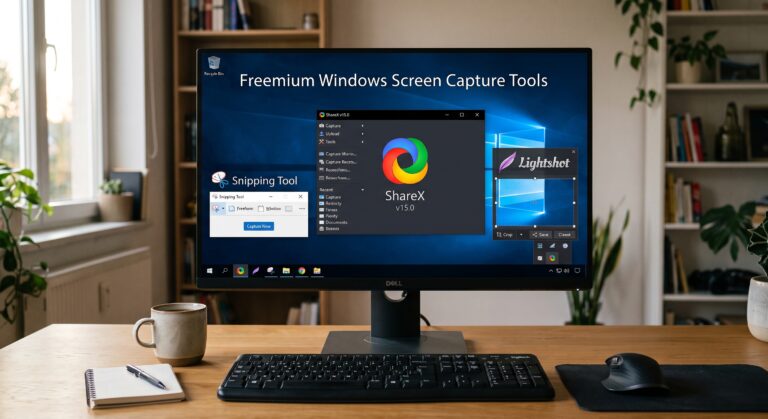
What Makes a Windows Screen Capture Tool Truly Free in 2026?
A free Windows screen capture tool usually follows one of three models: built-in, open-source, or freemium. The difference affects not only capture features, but…
 Productivity
Windows Screen Capture Tool for Product Managers: Feature Feedback, Roadmaps, and Better User Flows
Product managers use a Windows screen capture tool not only to report bugs, but also to explain feature feedback, clarify product decisions, and document…
 Productivity
How to Take a Screenshot on Windows for Interview Notes and Candidate Documentation
Hiring rarely happens in one clean, linear flow. Recruiters and HR teams move between resumes, email threads, interview scheduling tools, ATS records, portfolio links,…
 Productivity
Proof of Payment Screenshots on Windows: A Finance Team Guide
In finance and accounting, accuracy is not enough; proof matters. When teams deal with payments, invoices, refunds, or reconciliation issues, written explanations alone are…
 Productivity
Windows Screenshot Standards for Teams in 2026: How to Evaluate Work Across Windows and Linux
In 2026, screenshots are no longer “just images.” For distributed teams, a Windows screenshot or Linux screen capture often becomes proof of work: QA…
 Productivity
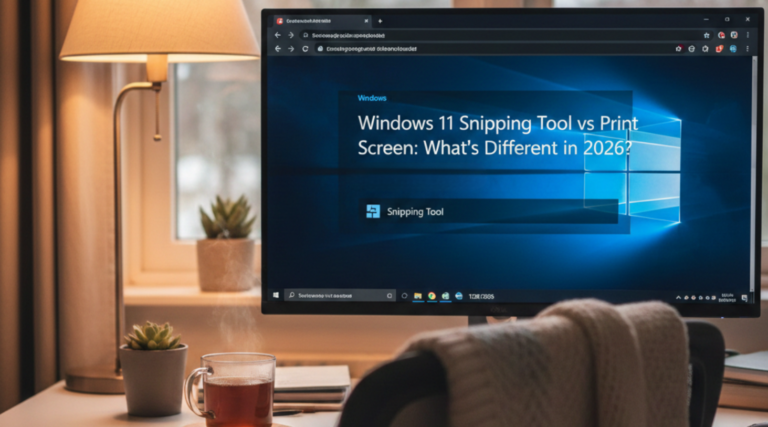
Windows 11 Snipping Tool vs Print Screen: What has Different in 2026?
A few years ago, the difference was simple: Print Screen was a fast “grab a screenshot” button, while Snipping Tool was used when you…
 Use cases
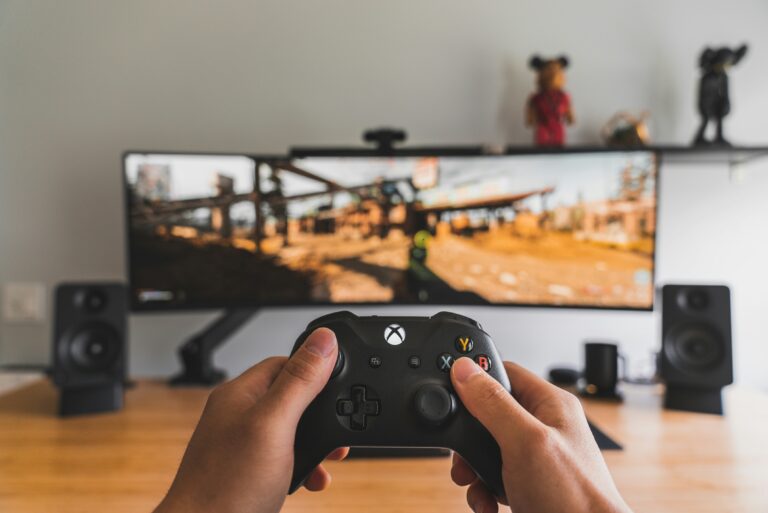
The Ultimate Guide to Windows Gaming Screenshots: 5 Best Tips Every Gamer Should Know
When it comes to how to screenshot while gaming on Windows, the display mode matters far more than most players expect. The difference between…
 Use cases
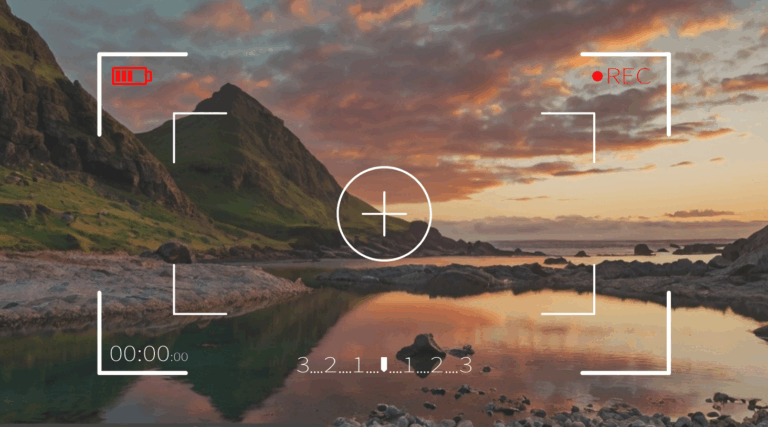
Video Recording on one monitor: PixelTaken vs Windows Tools
In today’s digital workflows, smooth screen recording is just as essential as clear screenshots. Whether you are preparing training materials, recording a software demo,…
 Productivity
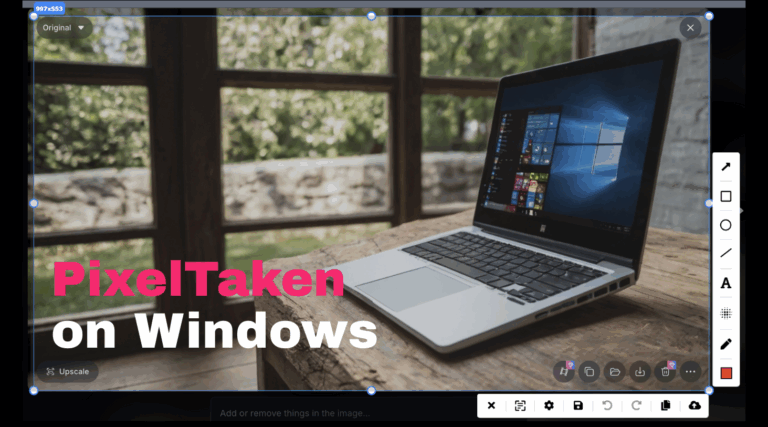
PixelTaken on Windows: Why Pros Prefer It Over Built-in Tools
In 2025, taking a screenshot on a Windows machine isn't just a quick utility — it’s a daily necessity for developers, designers, support agents,…
 Productivity
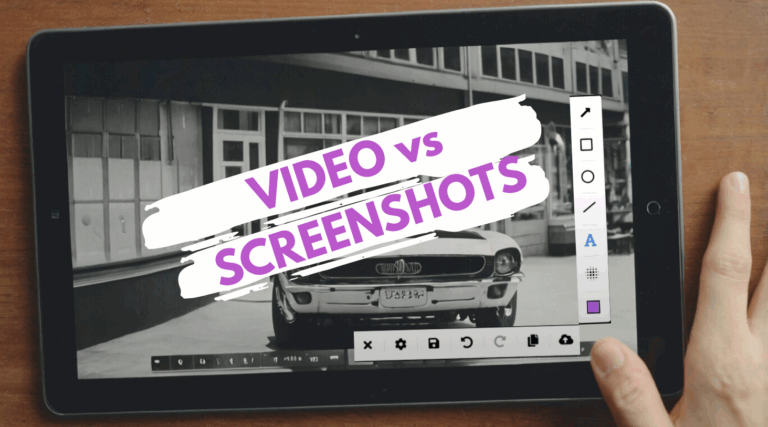
Should You Use Video or Screenshots? A Simple Decision Guide (For Product Presentations & Promotion)
Today, visual communication is no longer just an accessory to product marketing — it’s a central pillar of how users understand, trust, and connect…
 Productivity
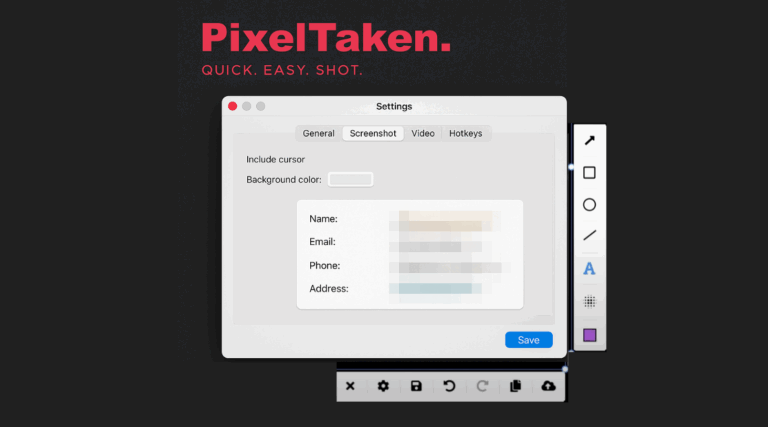
Privacy First: Blurring Sensitive Data with PixelTaken on Linux
In today's digital age, screenshots are not merely static pictures anymore — they are communications, bug reports, documents, and user aids. But when making…