
Category
Productivity
 Productivity
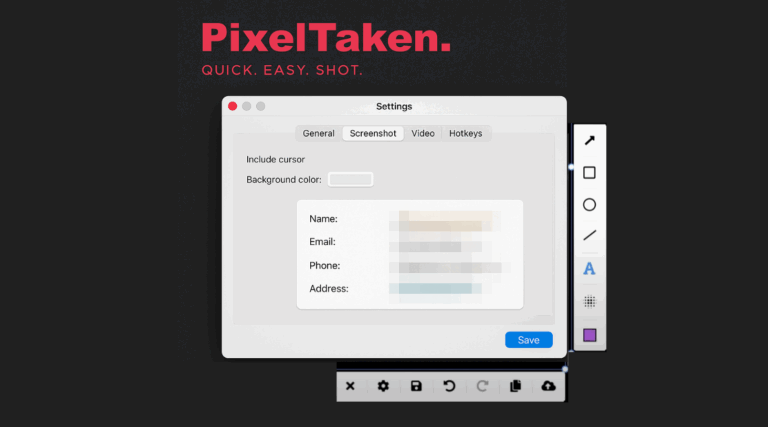
Privacy First: Blurring Sensitive Data with PixelTaken on Linux
In today's digital age, screenshots are not merely static pictures anymore — they are communications, bug reports, documents, and user aids. But when making…
 Productivity
The Perfect Ubuntu Screenshot: Resolution, Scaling & UI Consistency Tips
In 2025, graphic communication is more important than ever, especially for developers, QA engineers, and technical writers. Whether you're submitting a bug report, writing…
 Productivity
How to Use Ubuntu Screenshots for Fast Bug Reporting
When problems occur for users, clear communication is the greatest key to getting rapid solutions. Whether filing a bug, requesting technical support, or providing…
 Productivity
Using Ubuntu Screenshots in Marketing: Tools and Tips for High-Conversion Visuals
Ubuntu screenshots are essential for building trust and driving conversions in digital marketing. When showcasing your product, especially software or web apps, Ubuntu desktop…
 Productivity
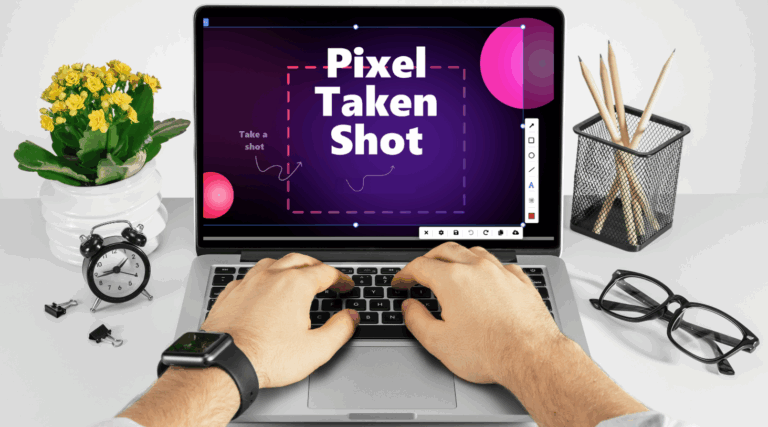
How to Use PixelTaken (Ubuntu snipping tool) with Google Drive and Notion for Workflow Syncing
Effective management of screenshots can boost your productivity while using applications like Google Drive and Notion. PixelTaken, a powerful Ubuntu snipping tool, makes it…
 Productivity
PixelTaken vs Native Tools: Why You Might Need a Dedicated Screenshot Assistant
Screenshots are a reality of daily digital existence. They are a fact of life for developers tracking bugs, content creators making tutorials, and remote…
 Productivity
How to take a high-quality screenshot in Ubuntu?
Screenshots are required for tutorials, presentations, documentation, and technical support. Various methods and tools allow users to take professional, high-quality screenshots. So throughout this…
 Productivity
How to screenshot one monitor on Windows, MacOS and Ubuntu Linux
If you want to know how to screenshot one monitor or dual monitors or a single window on Windows, MacOS or Ubuntu and similar…