Author
Oleksandr Khomych
 Use cases
The Ultimate Guide to Windows Gaming Screenshots: 5 Best Tips Every Gamer Should Know
When it comes to how to screenshot while gaming on Windows, the display mode matters far more than most players expect. The difference between…
 Productivity
Windows Screenshot Tool in 2026: What’s New and Innovative
In 2025, the Windows screenshot tool has evolved beyond simple “Print Screen” shortcuts. Microsoft has been steadily improving the Snipping Tool in Windows 10…
 Productivity
Linux Snipping Tool vs PixelTaken: Which One Captures Better in Ubuntu?
Taking a screenshot in Ubuntu may look like a simple action, but behind that one click lies two very different approaches to how Linux…
 Productivity
Why do Windows Screenshot Differ Across Monitors?
Modern workspaces often include two, three, or even more displays: one for design, one for browsing, and another for communication. But if you’ve ever…
 Productivity
Display Scaling vs Fractional Scaling: This is What Affects Quality Of Windows Screenshot one monitor
Modern Windows devices often come with 4K or even higher-resolution displays. While this makes everyday work look sharper, it also introduces scaling challenges that…
 Productivity
Windows API Tricks: Why PixelTaken Great Handles Single-Monitor Screenshots
For many Windows users, capturing a screenshot sounds simple: just press the Print Screen key. But in multi-monitor setups, things get complicated. Instead of…
 Use cases
Video Recording on one monitor: PixelTaken vs Windows Tools
In today’s digital workflows, smooth screen recording is just as essential as clear screenshots. Whether you are preparing training materials, recording a software demo,…
 Productivity
Focus on One Screen: How to Screenshot a Single Monitor in Windows using PixelTaken
Introduction Working with multiple monitors is a productivity booster, but it also creates one common frustration: taking screenshots and recordings. By default, the Print…
 Productivity
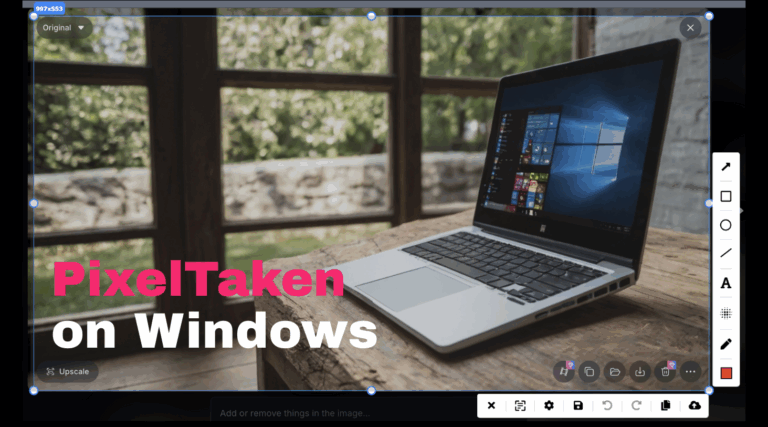
PixelTaken on Windows: Why Pros Prefer It Over Built-in Tools
In 2025, taking a screenshot on a Windows machine isn't just a quick utility — it’s a daily necessity for developers, designers, support agents,…
 Productivity
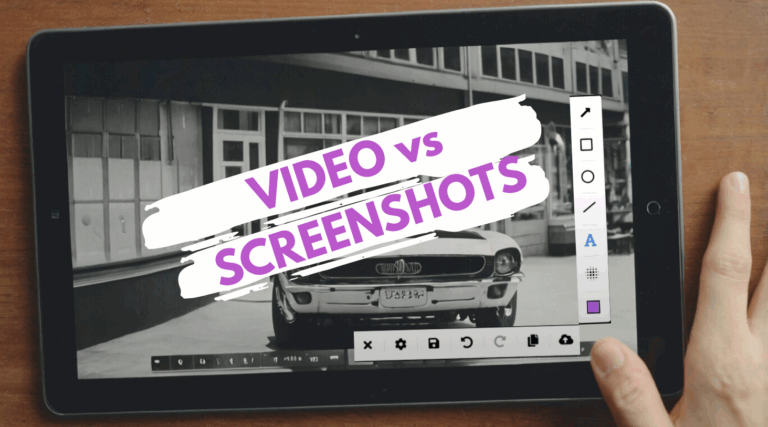
Should You Use Video or Screenshots? A Simple Decision Guide (For Product Presentations & Promotion)
Today, visual communication is no longer just an accessory to product marketing — it’s a central pillar of how users understand, trust, and connect…
 Productivity
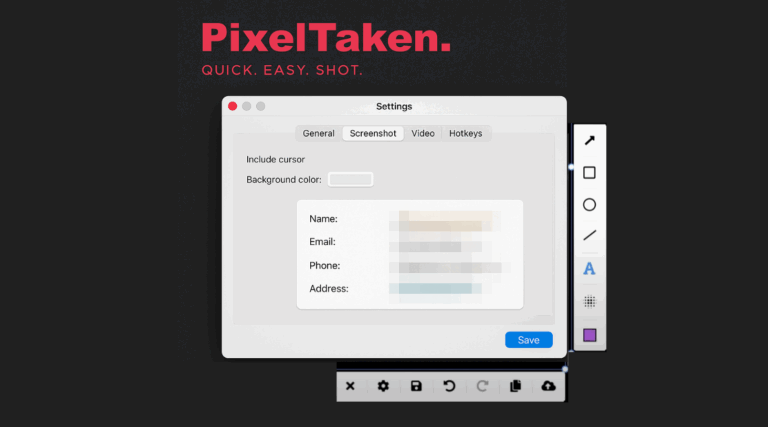
Privacy First: Blurring Sensitive Data with PixelTaken on Linux
In today's digital age, screenshots are not merely static pictures anymore — they are communications, bug reports, documents, and user aids. But when making…
 Productivity
The Perfect Ubuntu Screenshot: Resolution, Scaling & UI Consistency Tips
In 2025, graphic communication is more important than ever, especially for developers, QA engineers, and technical writers. Whether you're submitting a bug report, writing…